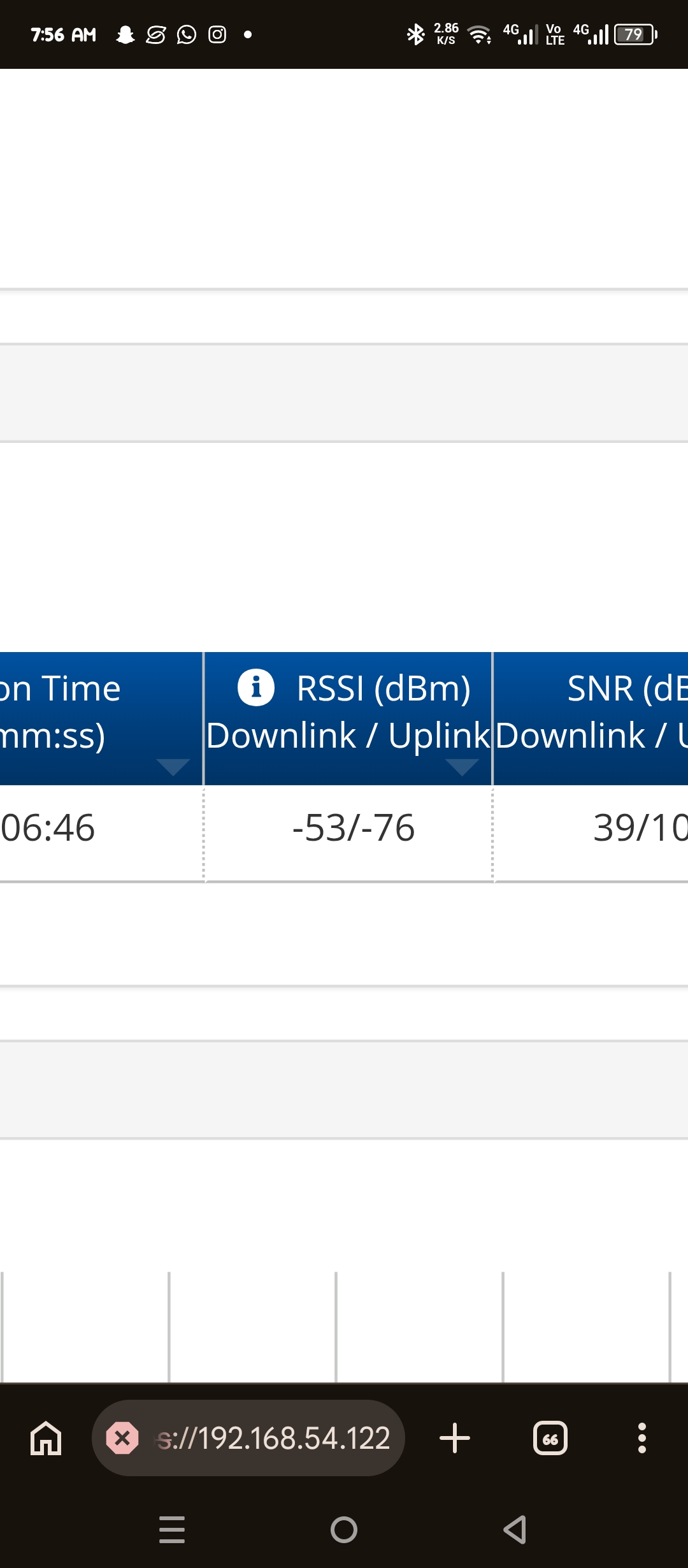
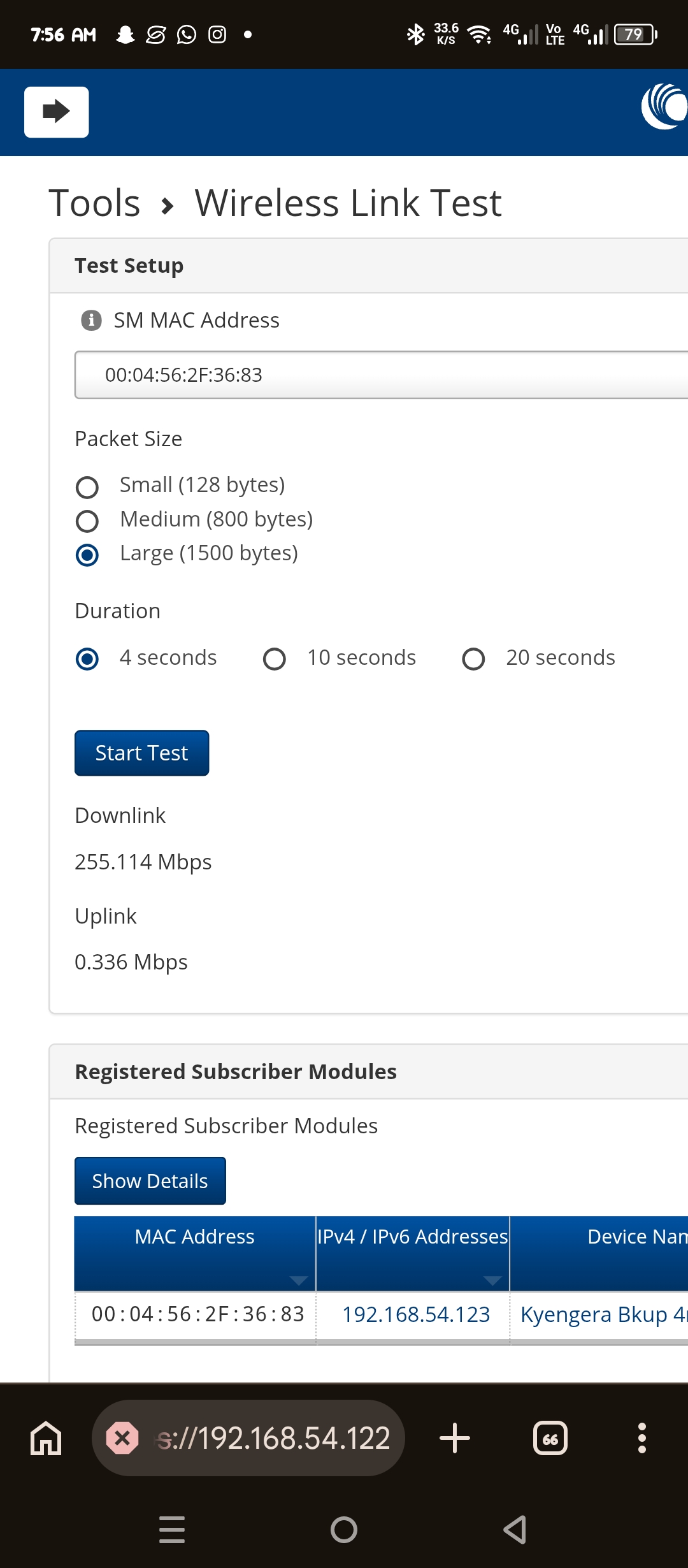
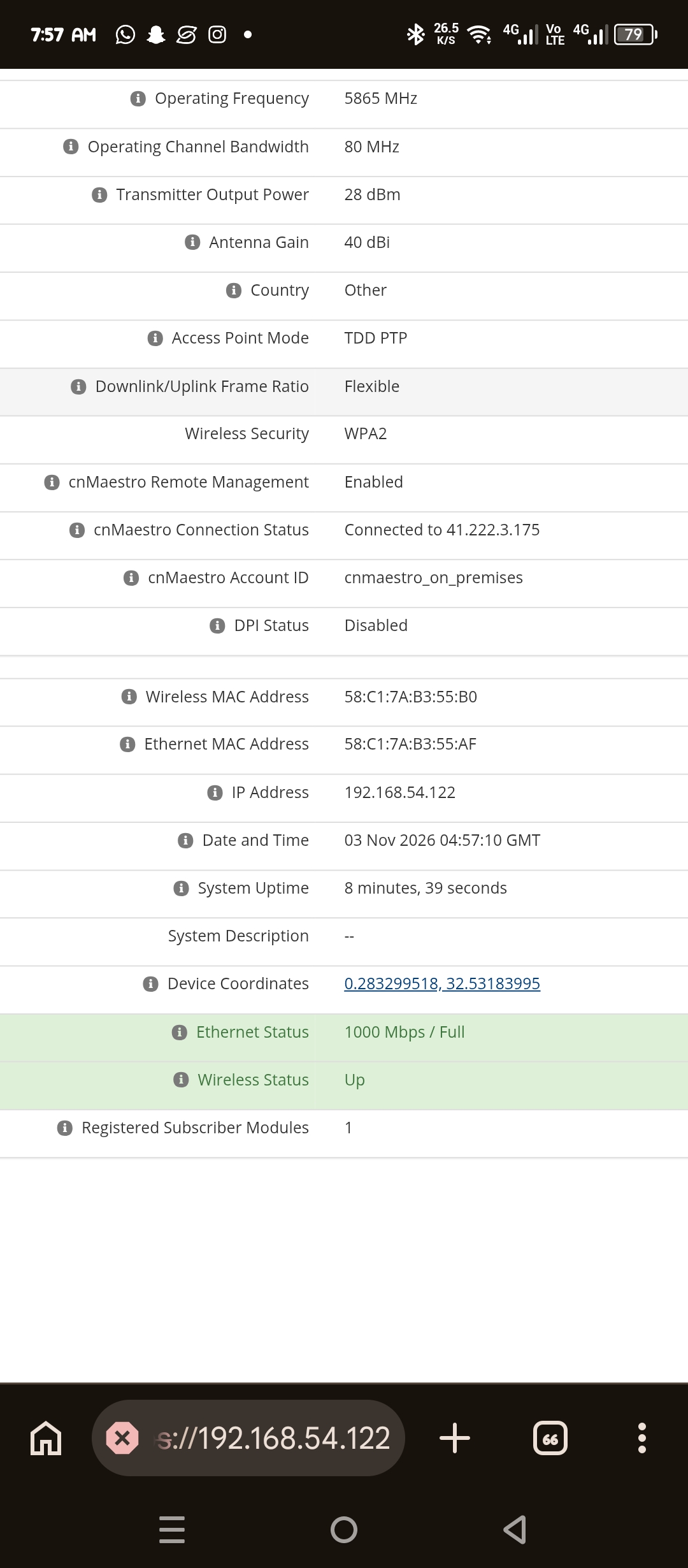
Hello everyone just asking what could affect my upload rssi
Hi @Robert_Hussong !
What about Tx Power settings on SM side?
The two things I’d check is
- TX Power in the SM side, or
- SM set to Auto and the AP target signal so to -76
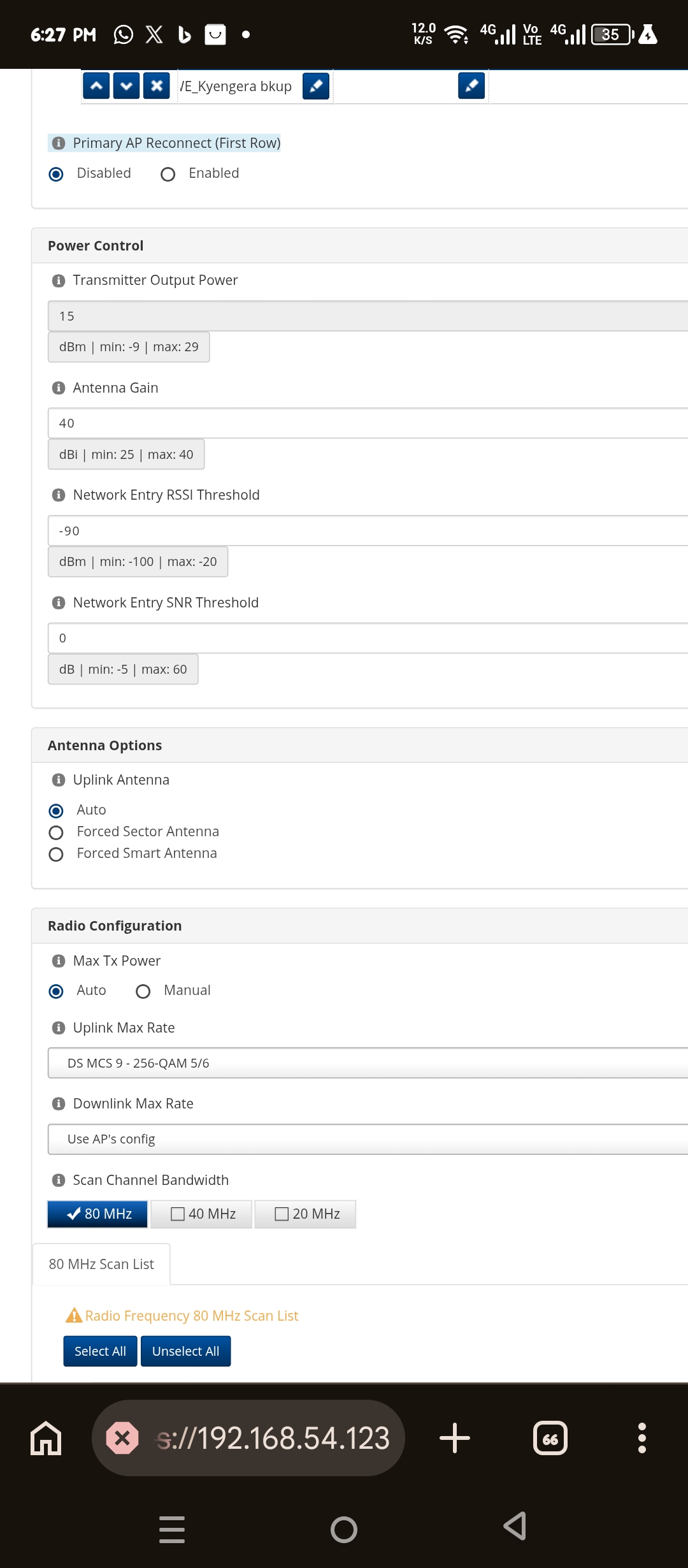
Try to set Tx Power Manual and then Transmit Output Power 29dB
So the SM is actually set to Auto - which means it’ll try to adjust it’s output Tx power to match what the AP’s “Subscriber Module Target” is set to on the AP.
So, on the SM there is this Auto / Manual switch…
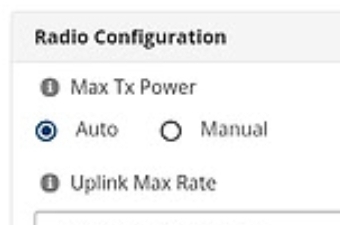
So, two options:
-
Set this to Manual, and then adjust the power setting at the top from 15 to 27 or 29 or whatever it’ll go to, and save to activate those settings.
-
Better option is to log into the AP and look for the “Subscriber Module Target” and adjust that to -60 or -56 it whatever gives the best Modulation result.

Either method should work, so simply setting the SM to Manual and setting it’s power up it’s fine to try first.
But long term, it’s usually best to set the Receive Target on the AP to -60 or so, and then set your SMs to Auto so that they can adjust their own power up or down based on changing conditions, and so all the SMs associated can be as balanced as possible.