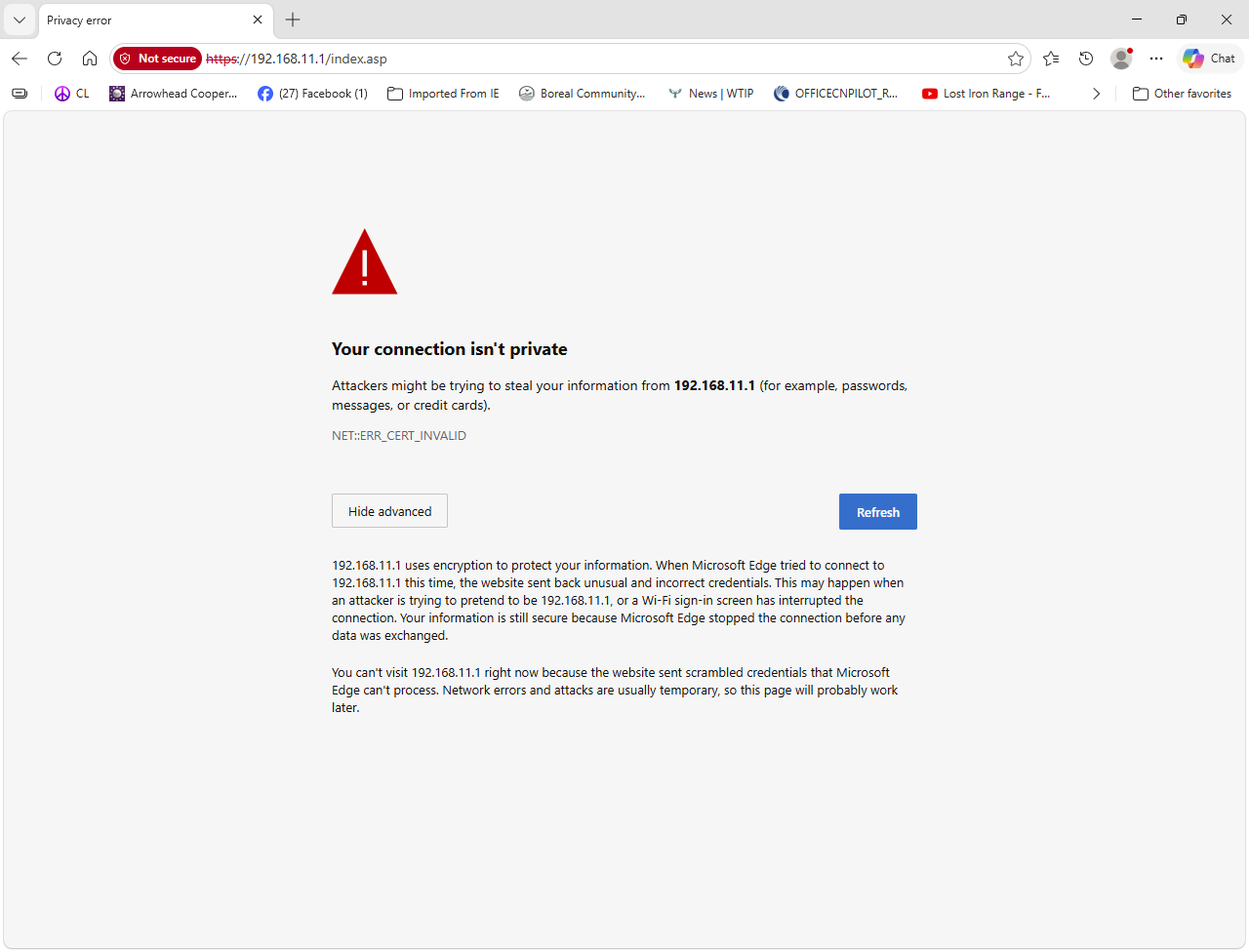
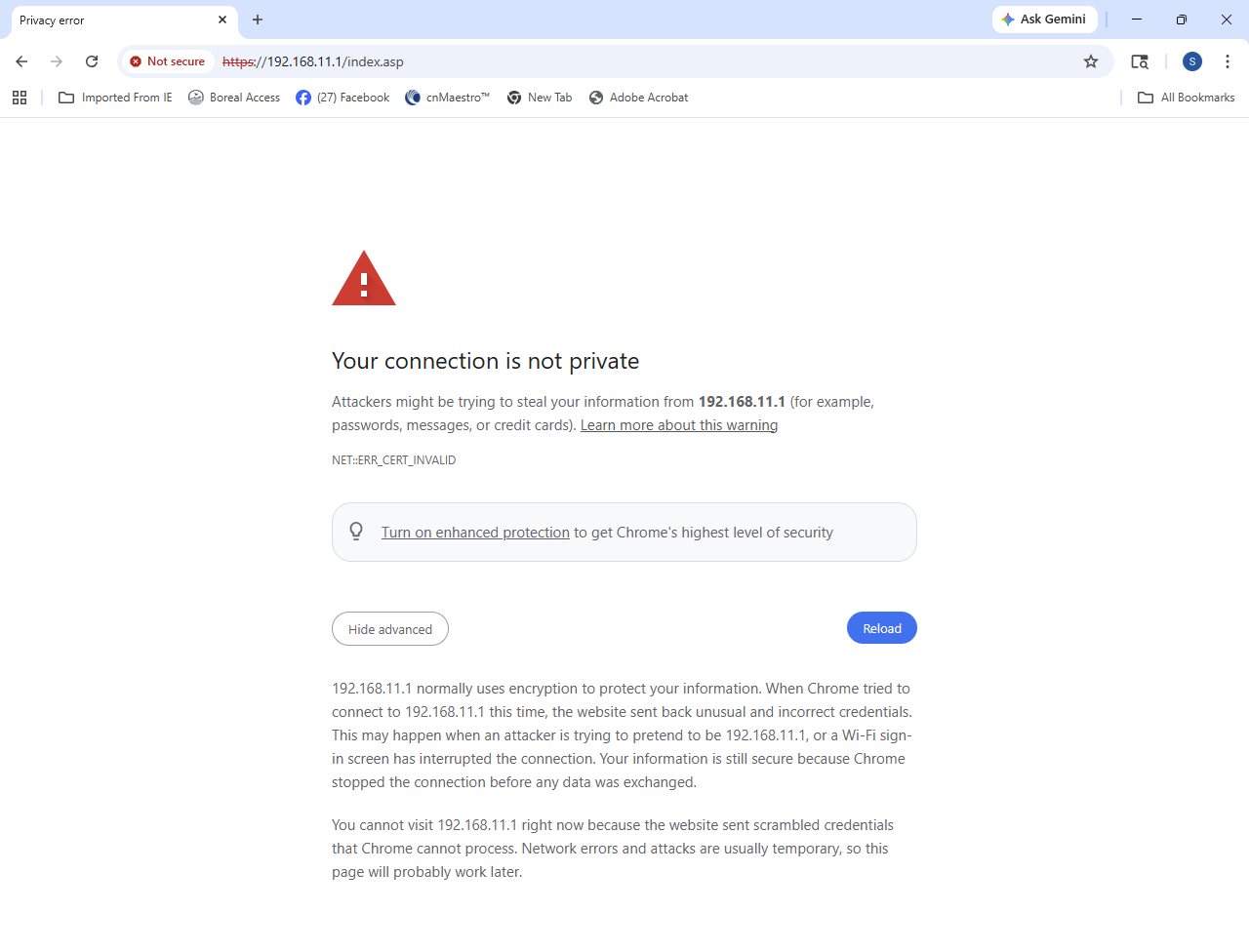
Today I can’t get to my routers. Typically at 192.168.11.1. I get this message on different computers, different sites and different web browsers.
192.168.11.1 uses encryption to protect your information. When Microsoft Edge tried to connect to 192.168.11.1 this time, the website sent back unusual and incorrect credentials. This may happen when an attacker is trying to pretend to be 192.168.11.1, or a Wi-Fi sign-in screen has interrupted the connection. Your information is still secure because Microsoft Edge stopped the connection before any data was exchanged.
You can’t visit 192.168.11.1 right now because the website sent scrambled credentials that Microsoft Edge can’t process. Network errors and attacks are usually temporary, so this page will probably work
Same thing and same message. This is my office router today. It was happening on other routers I work on with a different computer at a different location. Same error message. Windows update or something? I attached a screen shot.
I agree that doesn’t answer what happened, but I would assume Chrome and Edge updated a security setting on their browsers. I was just trying to give you a workaround, so you can access your routers if needed.
@steveschuh
Recent browser security enhancements may prevent access to sites with expired certificates. To override this block, click on the page’s background and type thisisunsafe; the browser will then bypass the alert and load the login page
Yes I see it is because of expired certificates. I don’t understand your directions. I can’t get to the page to click on it’s background. I was able to get in using Firefox but it took an extra layer of warnings before it warned me again and let me to the R-195 router log in page. Firefox spoke of untrusted certificates.
This does work, your instructions are not very intuitive since it is a “odd” solution. Really you just left click anywhere on the background and “blindly” type = thisisunsafe and wait a couple seconds and the page will refresh bypassing the cert error.
That sounds more like an HTTPS/certificate issue than the router itself being unreachable. If you can still ping 192.168.11.1, the router is responding and Edge is just refusing the web interface because of the credentials/certificate it receives. I’d try http://192.168.11.1 instead of HTTPS first. If that doesn’t work, try another browser and check whether the router’s date/time is correct. A firmware update or certificate change on the router could also explain why it suddenly started happening on multiple computers. If none of the browsers can access it, I’d check whether the router recently updated or was rebooted, and whether the same problem occurs from another device on the same LAN.