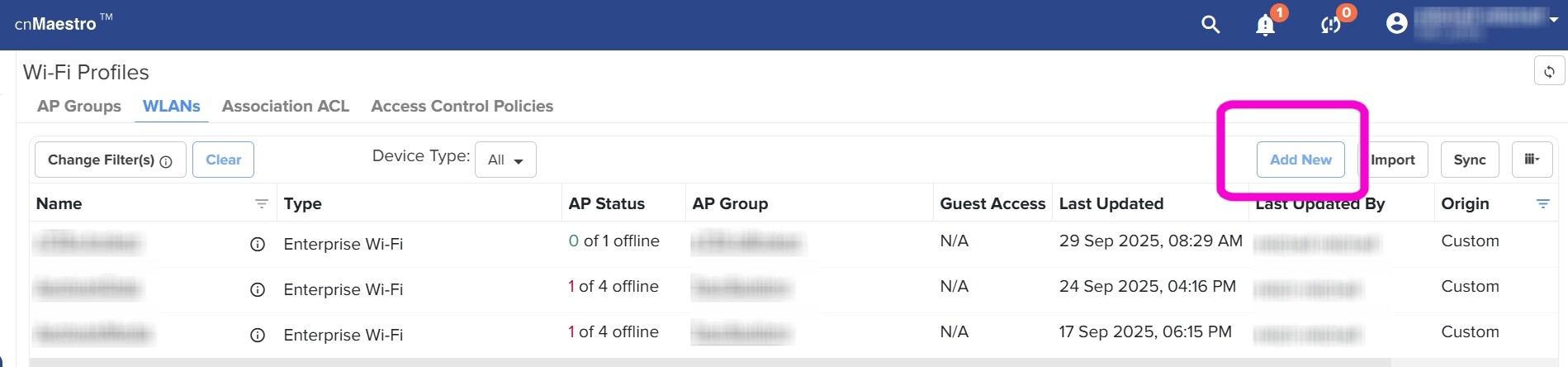
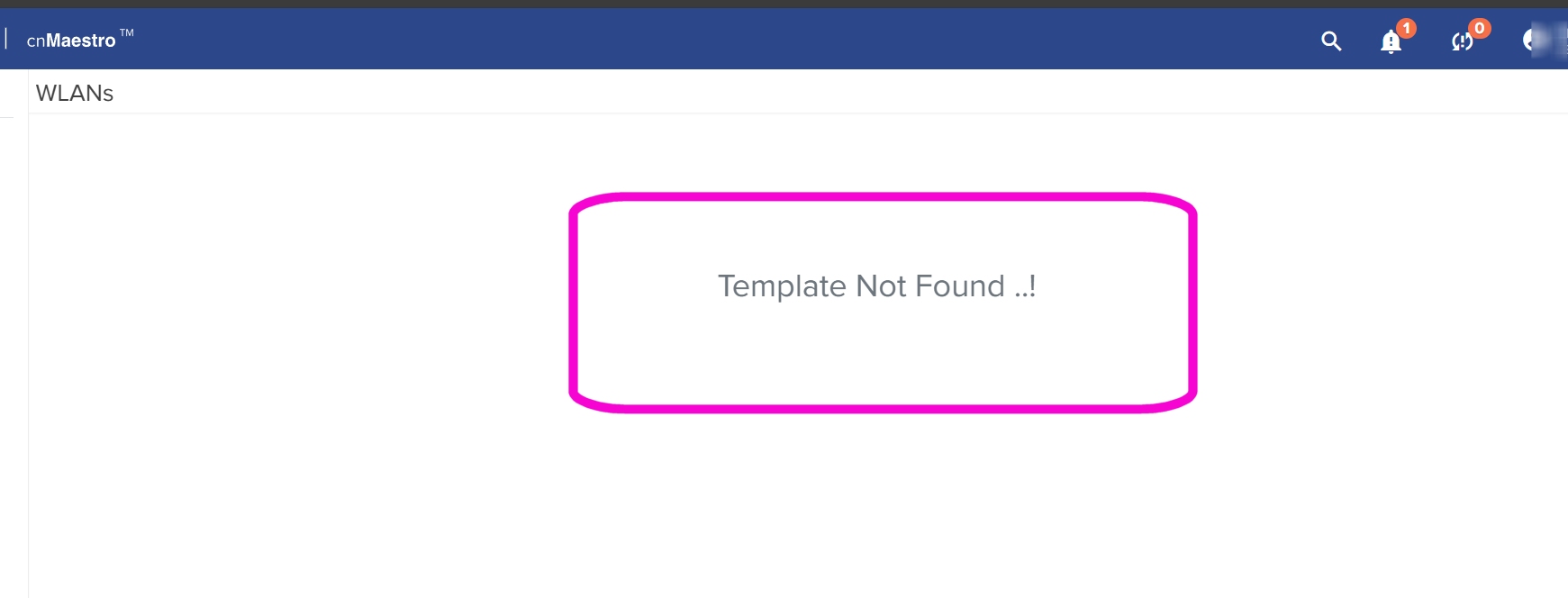
While navigating cnMaestro Cloud I have run across what appears to be an error/bug in the gui. From the Wi-Fi Profiles page select [Add New]. From the Add New page select [Close]. Boom! You get a Template Not Found ..! error.

Hi @Mitchell_Mitchell ,
Thank you for your message.
We have attempted to reproduce the issue you described — encountering a “Template Not Found” error when clicking [Close] under Wi-Fi Profiles > WLANs > Add New screen — but we are not observing this behavior in our current environment.
To help us investigate further and replicate the issue accurately in our lab setup, could you please provide the following details:
-
The exact steps you followed before the error appeared
-
The browser and version you are using
-
The cnMaestro version (cloud or On-Premises) you are working with
This information will greatly assist us in identifying and resolving the issue.
@Lepakshi_Maheswar_Ra I already provided you the exact steps to recreate. Please go back and re-read my initial post. I also already told you which version of cnMaestro this issue is happening with. Please go back and re-read my initial post.
I can re-create this problem in both Edge Version 140.0.3485.81 and Chrome Version 140.0.7339.187
It occurs in both of these instances.
Hi @Mitchell_Mitchell , I have tried it on the same instance which is https://us-e1-s24-k0y6ob71ry.cloud.cambiumnetworks.com/ , but the issue is not seen.
Kindly clear your browser cache and try it again.
//Indra
@Nemallapudi_Indrared I happens from 3 different browsers. It’s not a cache issue…
Hi @Mitchell_Mitchell ,
We have identified that the issue is specific to Enterprise view accounts. In our earlier checks, we were testing with Access and Backhaul account views, where the issue did not appear. Thank you very much for bringing this to our attention.
We truly appreciate you highlighting this, and I will ensure that it is addressed at the earliest.
Thank you once again for your patience and support.
Regards,
Indra
This topic was automatically closed 90 days after the last reply. New replies are no longer allowed.