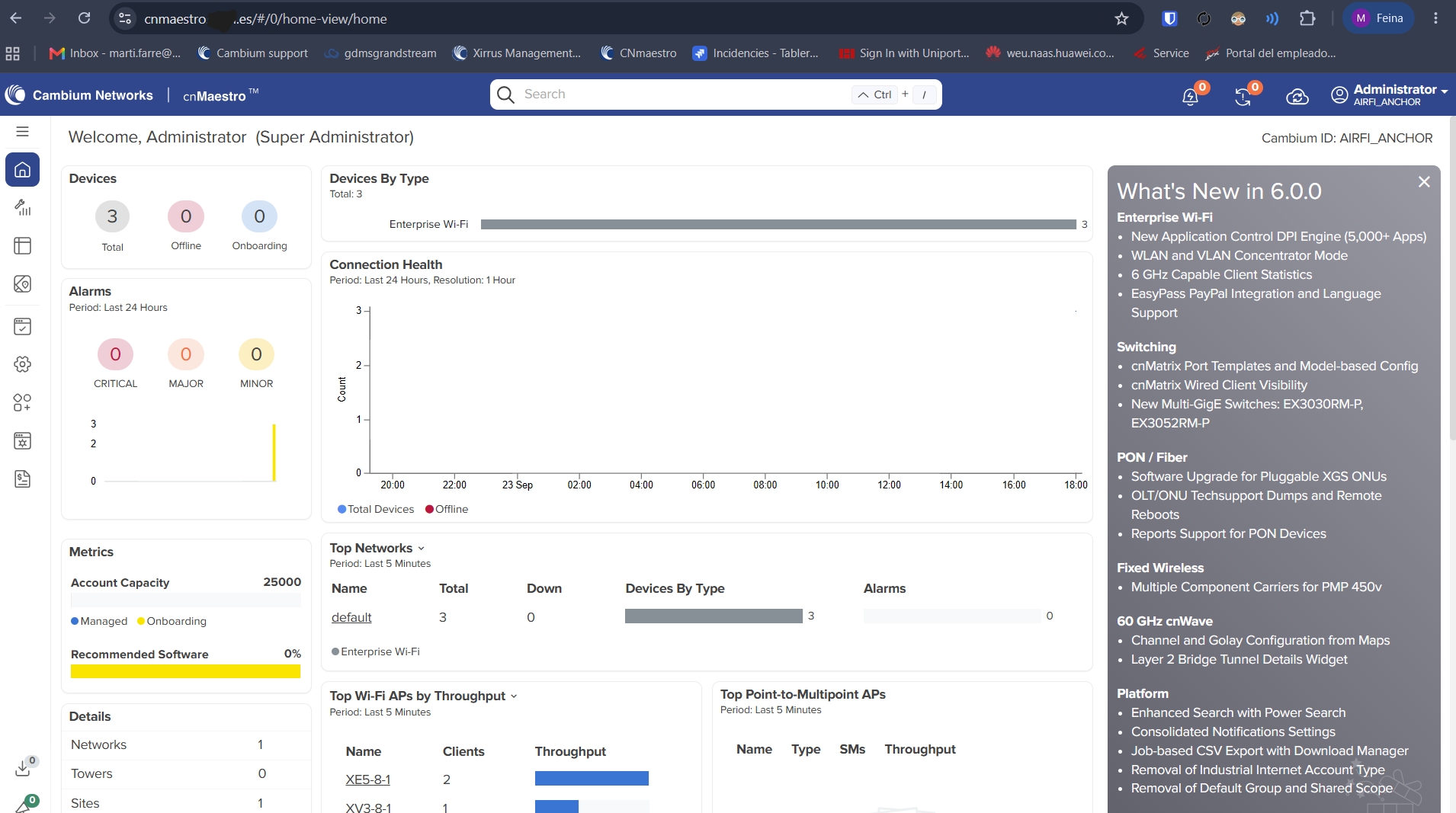
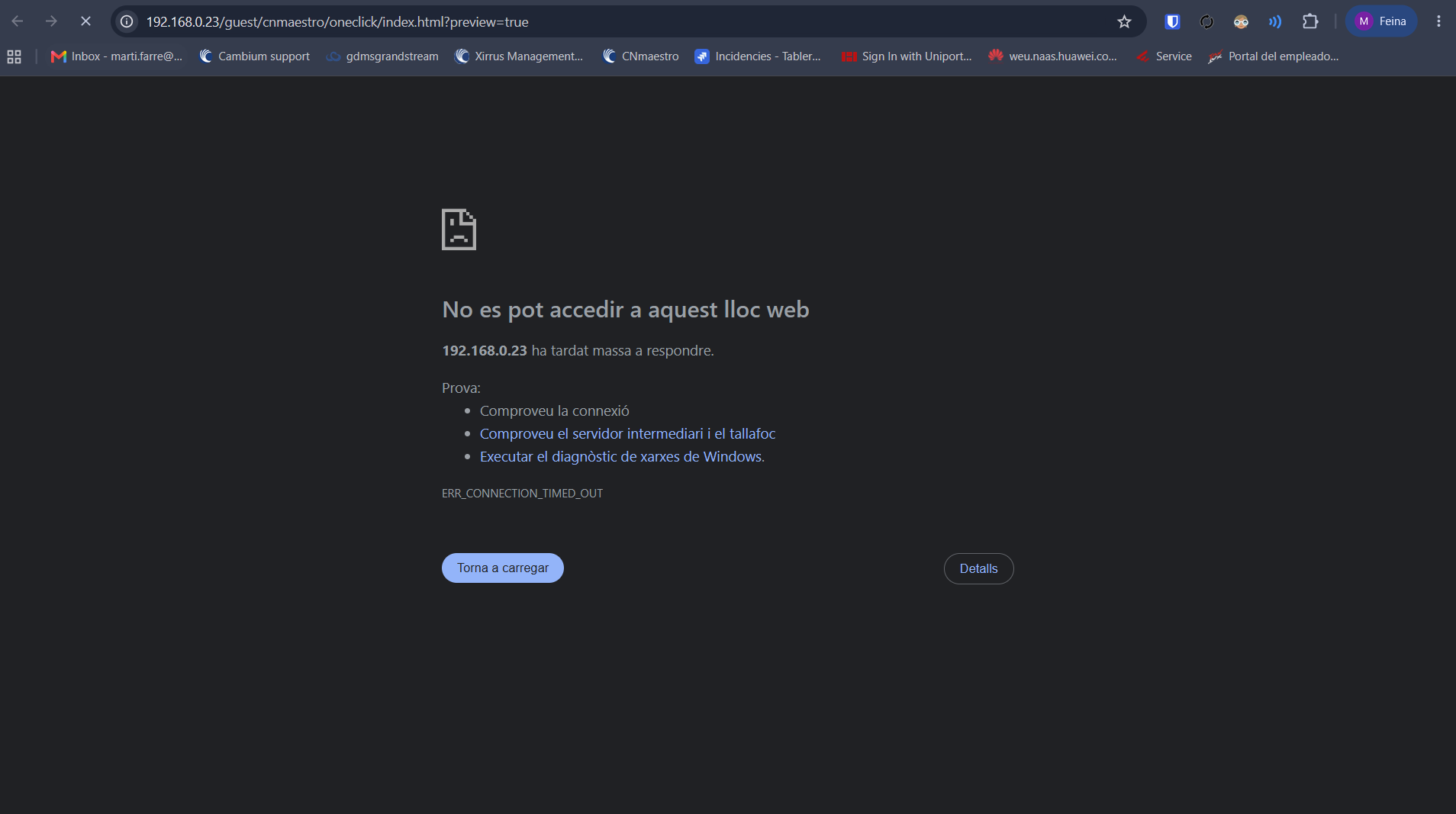
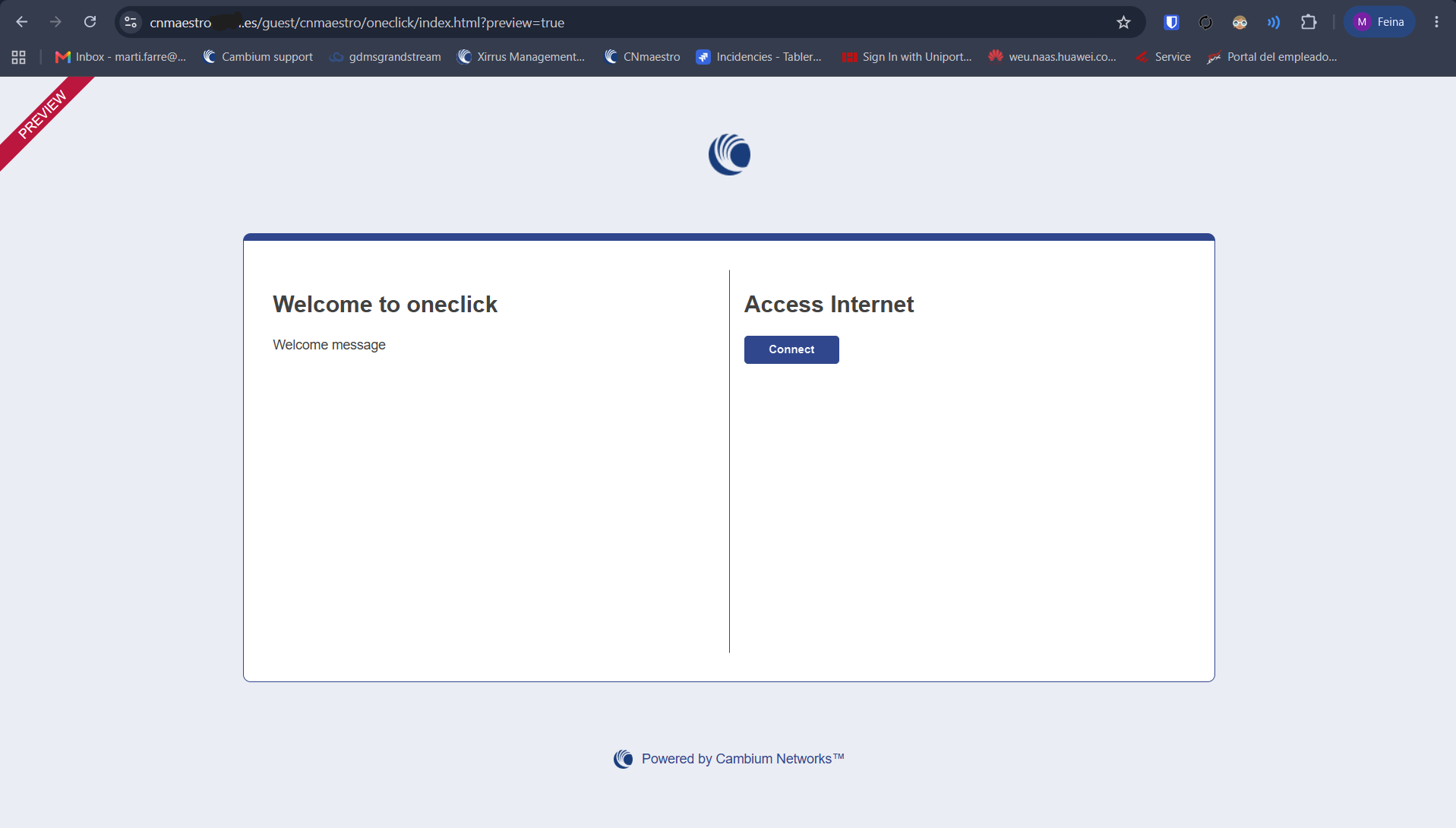
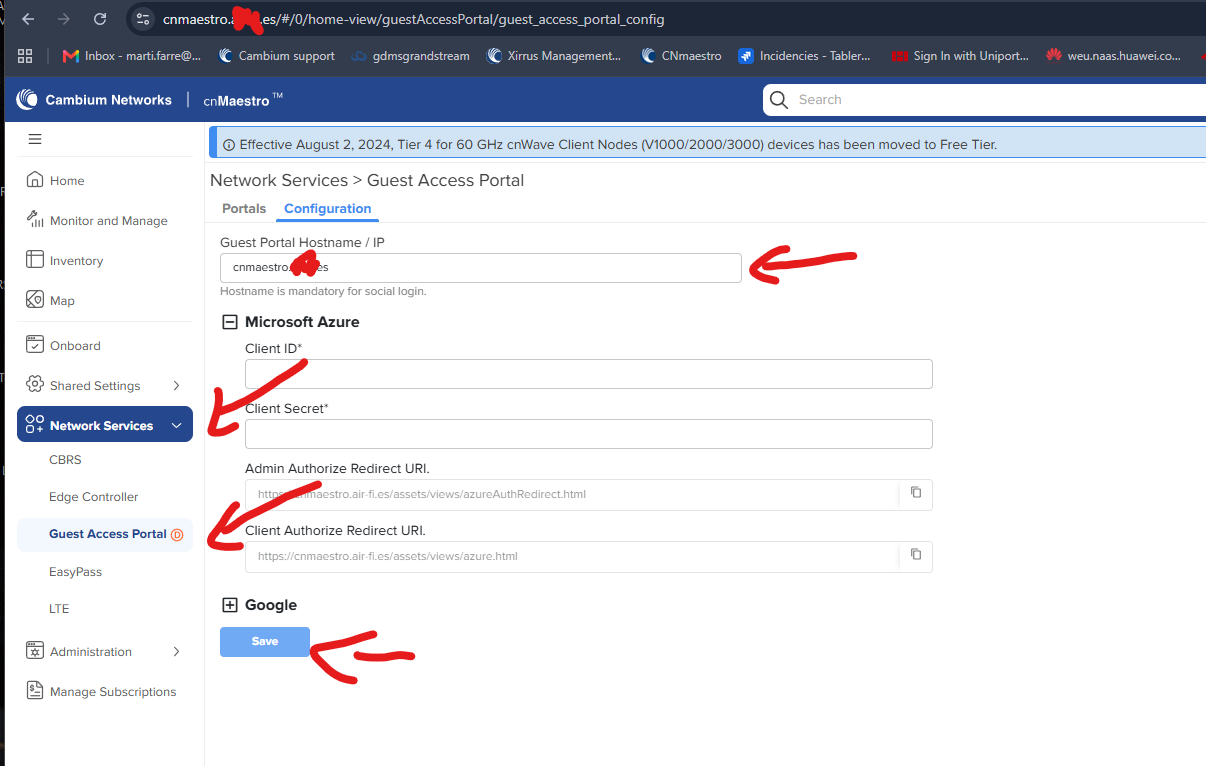
So we set up cnMaestro on premise and made so out domain goes to the local ip of the server.
As you can see in the images the cnMaestro UI works fine and the ap sync fine, then we created an easypass oneclick, but the portal redirect to the local ip that the on-premise server is on and not the public ip/domain, if we could change where the easypass goes we could use the portals with the server outside our network.
What file/configuration of the virtual machine in cnmaestro on-premise has to be changed to change where easypass goes to?
I’ve also ran into this conundrum. The landing page for our captive portal is stored / served from the cnMaestro On Prem Server. We don’t really wish to give members of the public access to the server if we can avoid it even if it’s HTTPS access only.
Curious to know if you’ve found a solution?
Even tho for us the oneclick portal it takes a lot to load, in windows laptops is fast, but with android and iphone sometimes it takes 5 minutes to be fully loaded so u can click connect.
Thank you. I’d assumed the Guest Access Portal settings were depreciated and didn’t think of using those settings… but at this point, if it works, it works
We still have an internal decision to make as to where to host the portal. Once we are setup, I’ll test devices.