ePMP Certificate w Chrome

OK - this will be a noob question - and we usually manage our ePMP with cnMaestro, but since that may / may not be going away, I have to embarrass myself and ask this…

SO - logging into a ePMP with a browser gives the ‘Privacy Error’ warning, and I realize that’s due to some EU Security requirement (or some such thing) and I’ve just kinda always done the Advanced → Proceed because it’s 2 more mouse clicks, and we mostly admin by cnMaestro anyway.
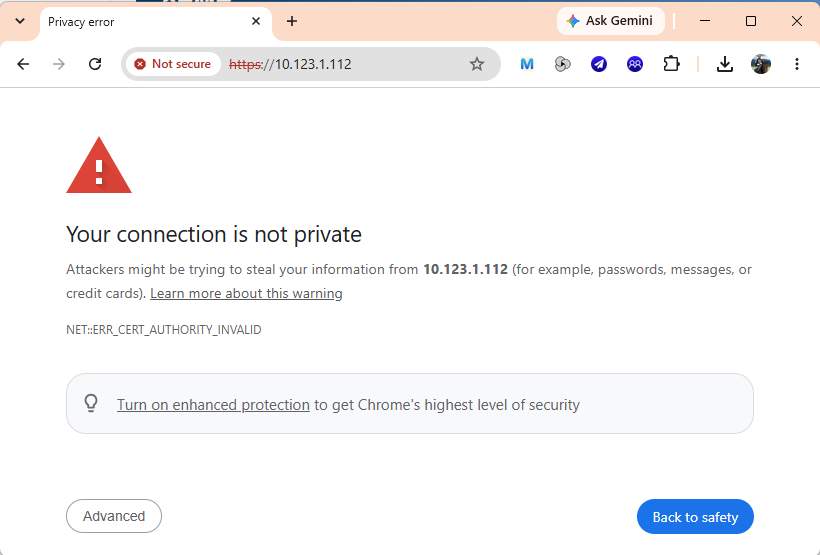
But - I should figure out how/what to fix this. :smiley: I tried to import the Certificate into Windows Trusted and tried to ask my Chat buddy how to do it, but Chat buddy is often delusional so it wasn’t any help.

And I know I’m going to feel like an idiot when someone explains this simple thing to me, but I don’t want to ignore it and push it down the road right now. :smiley: So, help? :smiley:

I really wouldn’t bother. It is just that the certificate isn’t signed by a trusted authority.

Yes, I realize that it’s just a warning / inconvenience - but there is probably a way to import the certificate into Windows or into Chrome or something… or to mark it as trusted source’ in Chrome/Windows I figured. :person_shrugging: It’s probably simple, and I’m just an dunce. :smiley:

I’d really like a solution - because it’s an unnecessary inconvenience to do that dozens of times a day, and that’ll be 100’s if there’s no cnMaestro next month. I’ve searched the forums, I was pretty sure there was documentation on it back when this ‘feature’ was introduced, but my search fu is not as fu as it used to be. :frowning:

Any help would be appreciated. :folded_hands:

Browsers only trust a cert if it chains up to a known root CA and its SAN matches the address you typed — ePMP’s cert is self-signed (signed by itself, not a CA), so it fails that chain check every time, no matter which unit you hit. Importing one radio’s cert just adds that one exception; it won’t help with the next unit since each one generates its own separate self-signed key. The real fix is issuing each unit a cert from a CA you trust — either your own internal CA (Windows AD CS, or a simple OpenSSL/step-ca setup) whose root you import once, or a public CA like DigiCert, Sectigo, or GlobalSign if your radios have real DNS names.

I have run into this with other manufacturer devices too.

Andrii’s response is the real fix: install a trusted certificate on the device, or use an internal CA if the device supports it cleanly.

As a workaround, Firefox will sometimes let you get around it where Chrome will not. It is not the ideal solution, but it has worked for me on older radios and vendor gear that does not handle modern browser certificate requirements very gracefully.