I don’t want to use the web version of LinkPlanner; I prefer the desktop version. A couple of days ago, the maps stopped displaying. How can I get them back?
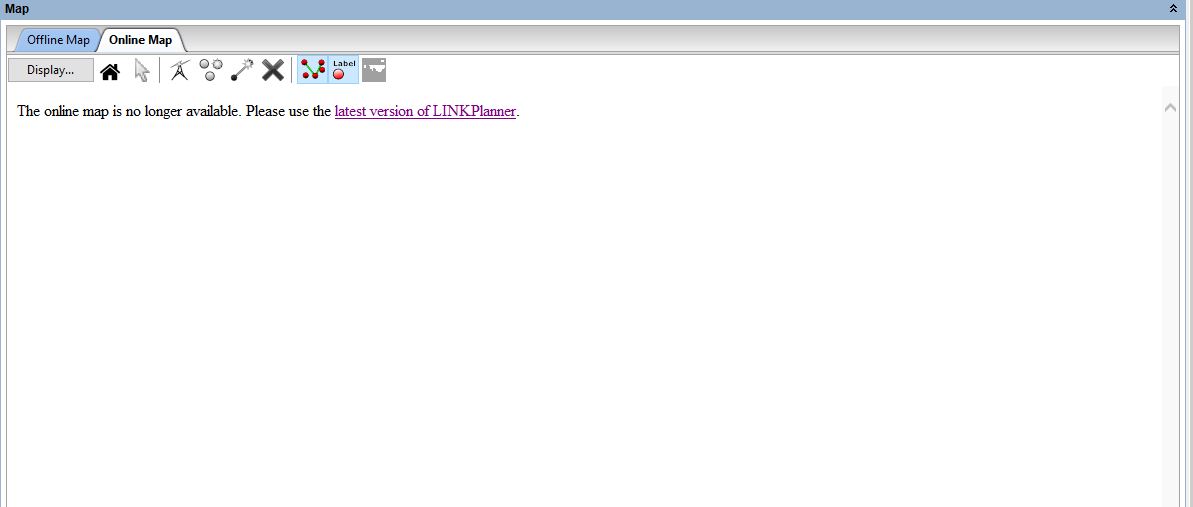
I don’t think you will be able to get them back.
LINKPlanner desktop was announced EOL with milestones. Online maps were removed recently. Then on 27 November 2026 the path profile service is scheduled to be deactivated, making it effectively fully EOL then.
Well, if you don’t want to develop, why break what has already been created and is being used?
Hi,
The desktop version of LINKPlanner is built on obsolete technology. We’ve moved to the online version to ensure that we can continue to maintain LINKPlanner and add new features.
The services that the desktop version uses, such as the map and profile service, are shutting down now that the desktop version is end of life. You can keep using the desktop version, but you will need to use the offline map and provide your own profile data. It won’t have the latest products or correct BOM, but that has been the case for a couple of years now, which is why we have encouraged everyone to use the online version.
Thanks,
Andy
Tell me how to connect it correctly?
Sorry, I’m not sure what you are asking? What are you trying to connect?
I’ll have to use other solutions. It’s a shame, the software was good.