Unable to Connect AP to SM ,please advise what is stopping to connect Ap
Do you mean you’re having difficulty connecting a 450b SM to a 450m AP? Are there any SM’s successfully connecting to this 450m AP? Have you checked the AP’s Statistics → SM Registration Failures log to see if the SM is trying to register and what issues it’s having?
No , did configuration and try to connect unable to connect .
This first SM am trying to connect fo AP to add more SM to same for the lab test pupose
Have you tried using the Quick Start guide on both the AP and SM?
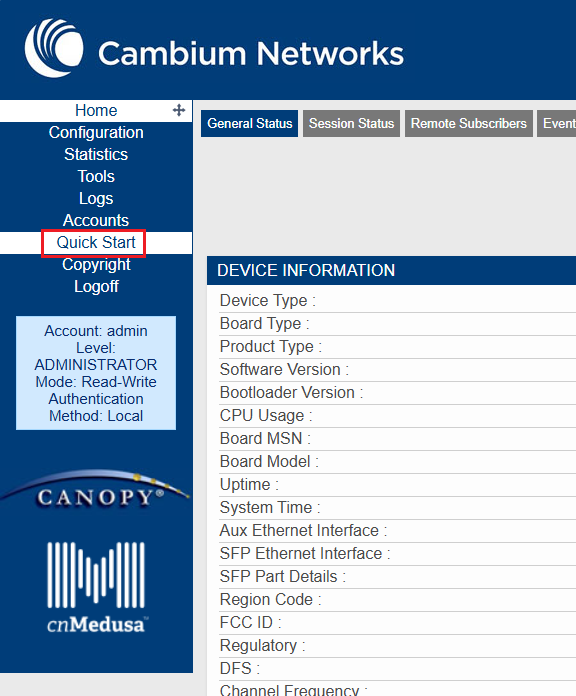
Have you reviewed the PMP450 quick start guide?
PMP 450 Quick Start Guild v1.3.pdf (1.0 MB)
Yes . I will double check config.
Country code _select other reg and other isit correct ?
Issue has solved, SM connect to Ap via frequency only or is there any option we can add SM Mac to Ap to connect or any authentication to fix on same sector
Is there option we can add cloud or cn mastero to monitor remotely
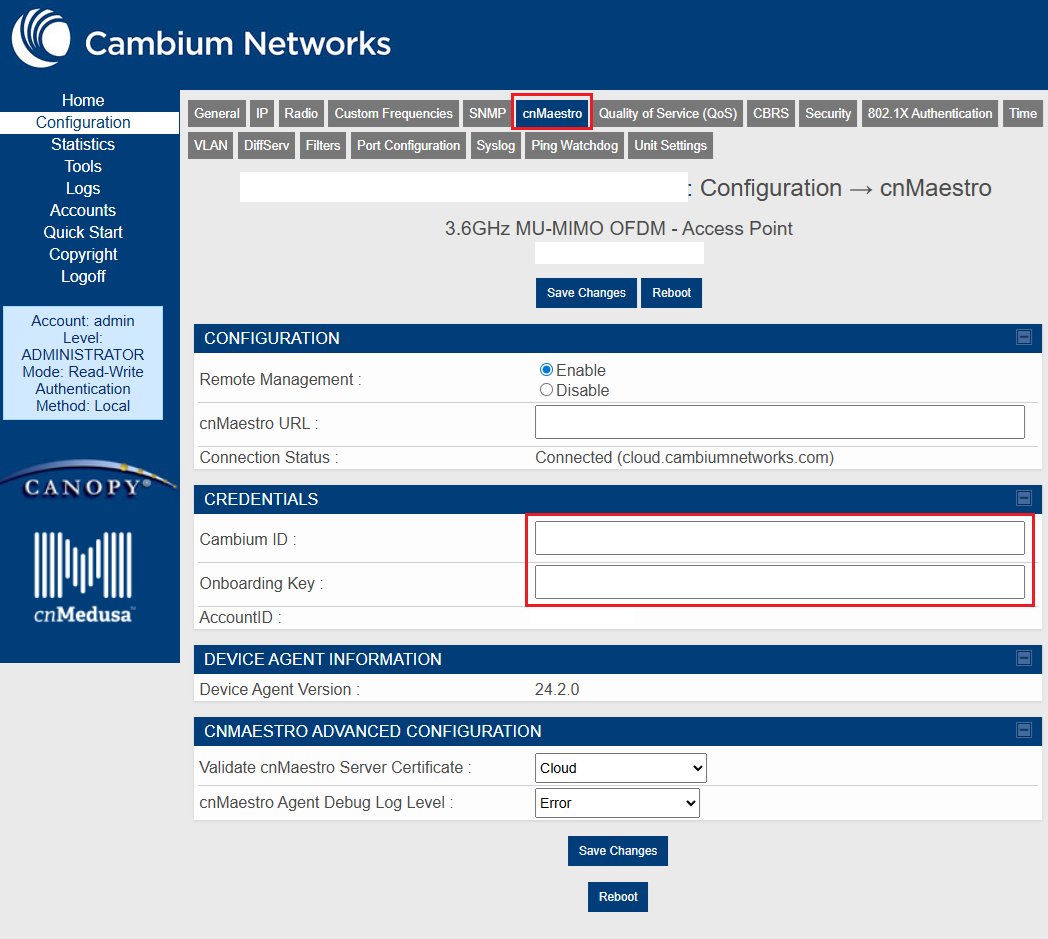
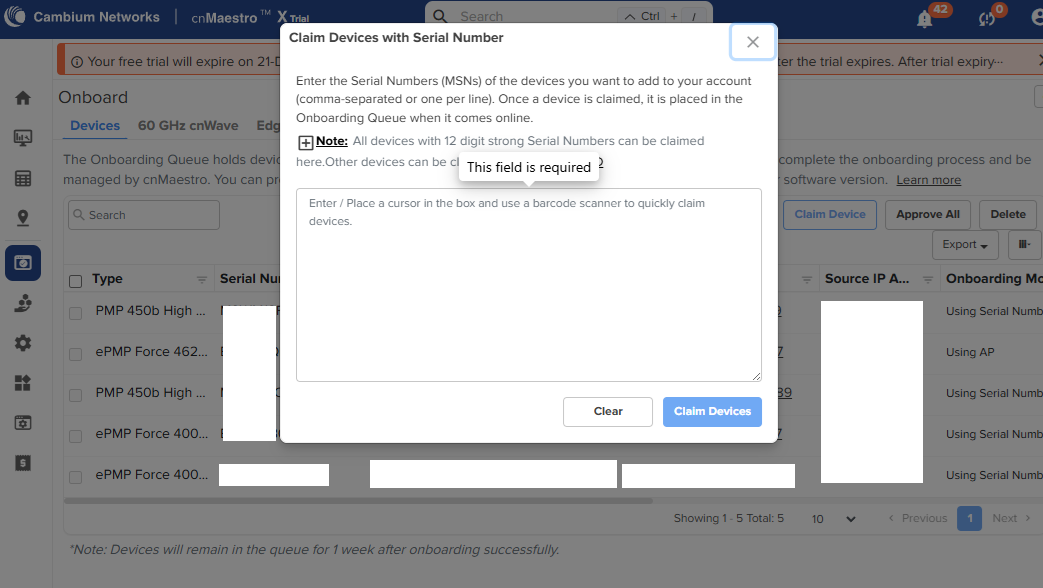
You’ll need to create a cnMaestro account and then you can either enter your cnMaestro onboarding key credentials into the radio, OR you can claim the radio’s MSN in the onboarding area of cnMaestro.
Enter cnMaestro onboarding key credentials:
OR claim the radio’s MSN:
cambium id we should get from cambium vendor or we can create.
also please avise AP and SM is communicating by freq based only or there any other option SM to communicate to Particular AP like mac address we can add .
You create a free Cambium Cloud account and then you use the ID for onboarding radios.
The only AP defining setting is by color code. You will need to make sure that every PMP450 AP is using a unique color code. MAC addresses and SSID’s are not used in the PMP450 system.
We added cambium id/onboarding and connect AP to internet with same network but still showing offline what might be stopping it
@Eric_Ozrelic can you please advise to solve
There can be a few reasons why radios can’t connect to cnMaestro cloud.
- Old versions of firmware may not be able to connect. You may need to manually update to the newest firmware revision to be able to connect.
- Please ensure that the time is correct on your radios and use an NTP server if possible.
- If you have a firewall in place or are using NAT, please make sure that you’ve whitelisted Cambium’s servers and ports.
If you’re still having issues getting radios connected to cnMaestro cloud, please reach out to Cambium Support.