There is an unfortunate bug in our ticketing system that prevents it from loading in Firefox if you have “Enhanced Tracking Protection” turned on. If that is the case for you, you can work around it by:
-
Open the Firefox Settings
-
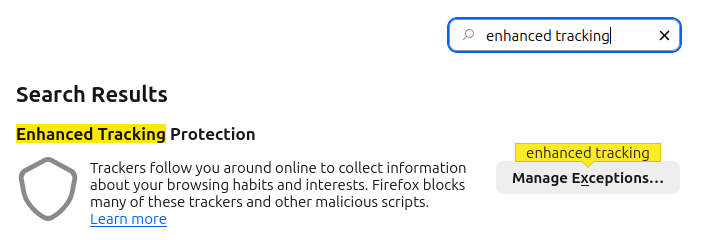
Search for
"enhanced tracking" -
Click Manage Exceptions…
-
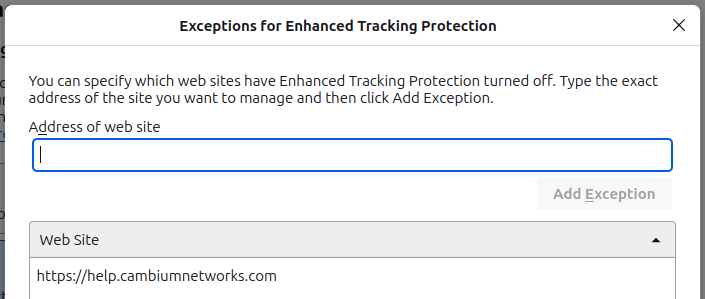
Add
https://help.cambiumnetworks.comto the exception list.
…or by using a different browser.