To link your legacy account with your Cambium SSO in WiFi Designer so that all maps are visible in one place,…
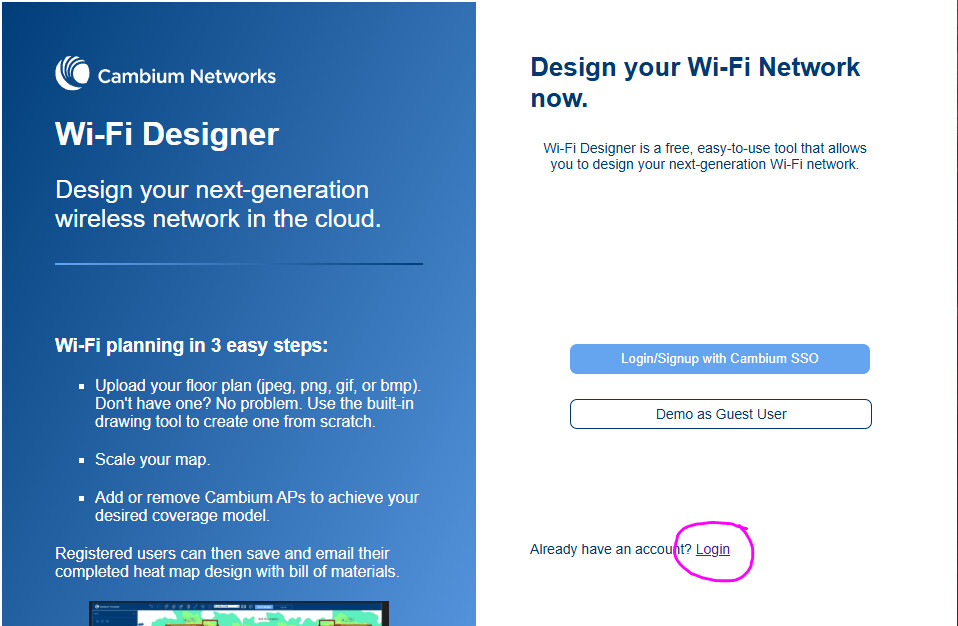
- On the home page click the “Already have an account?” Login link.
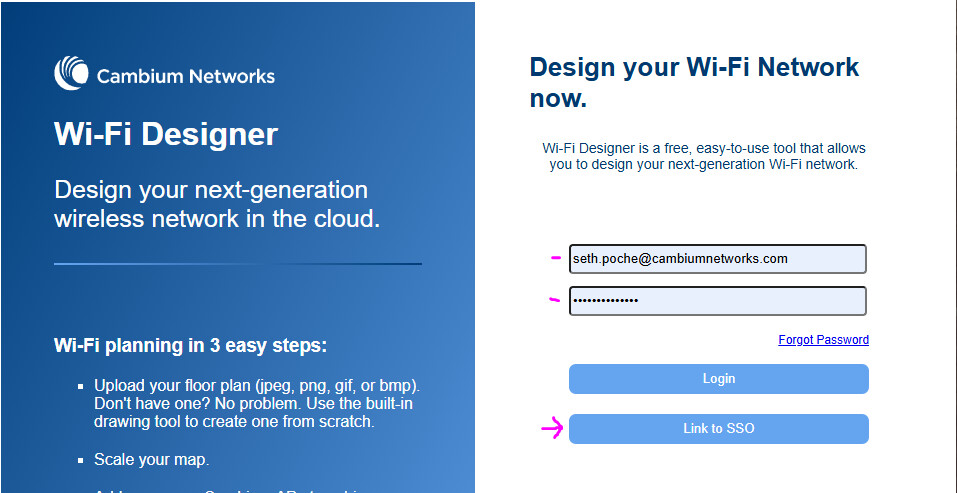
- On the next screen, fill in your legacy email and password and click the “Link to SSO” button.
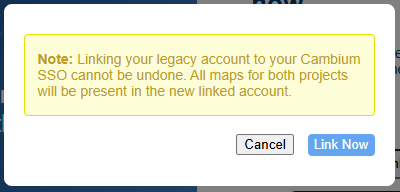
- You will receive a prompt that this cannot be undone. Click “Link Now”.
This action will copy over all maps from your legacy account into your Cambium SSO account and will deactivate your legacy account.
Note: For users where their legacy email is the same as their Cambium SSO email, these migration steps are done automatically the first time they login with Cambium SSO.